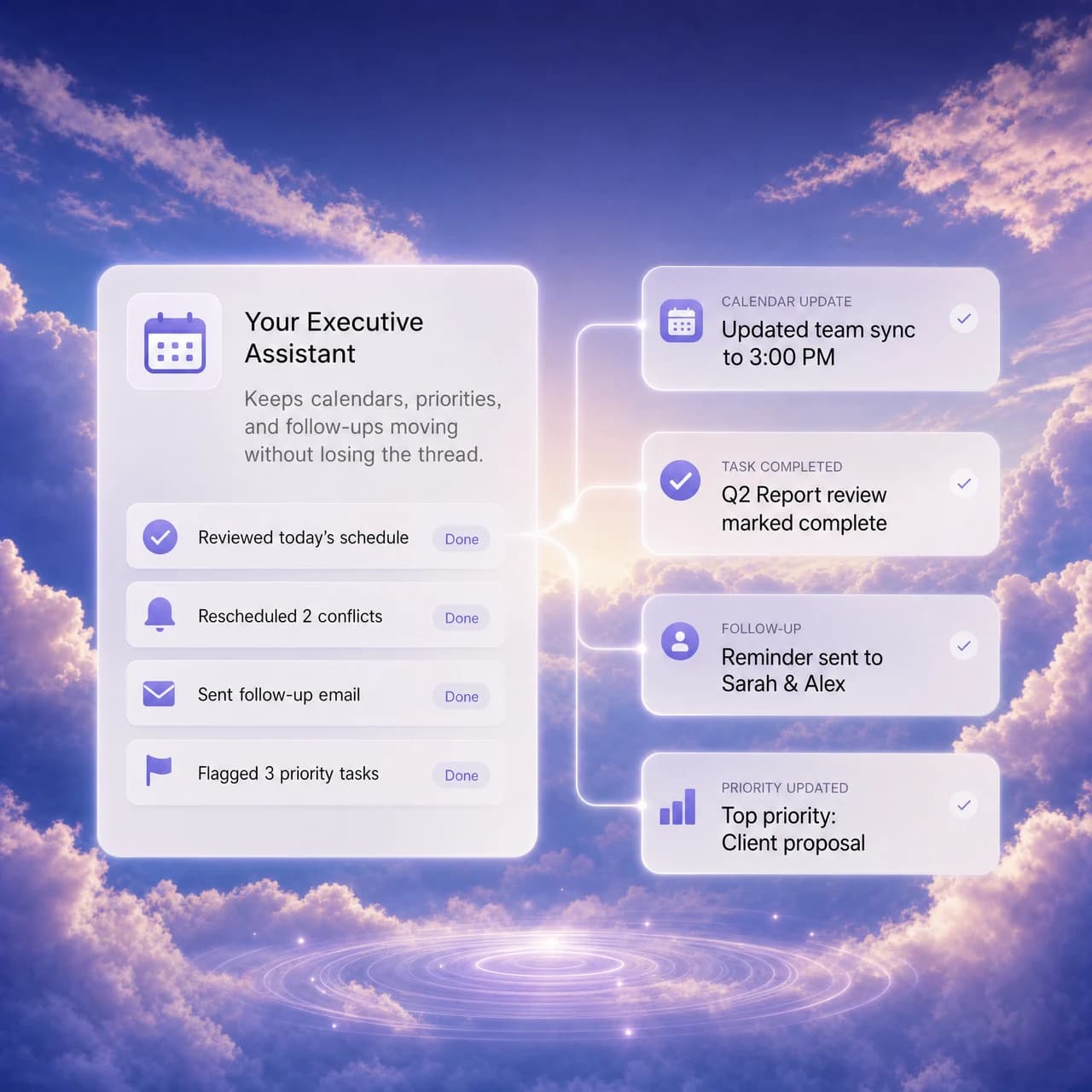
Executive Assistant
Keeps calendars, priorities, and follow-ups moving without losing the thread.

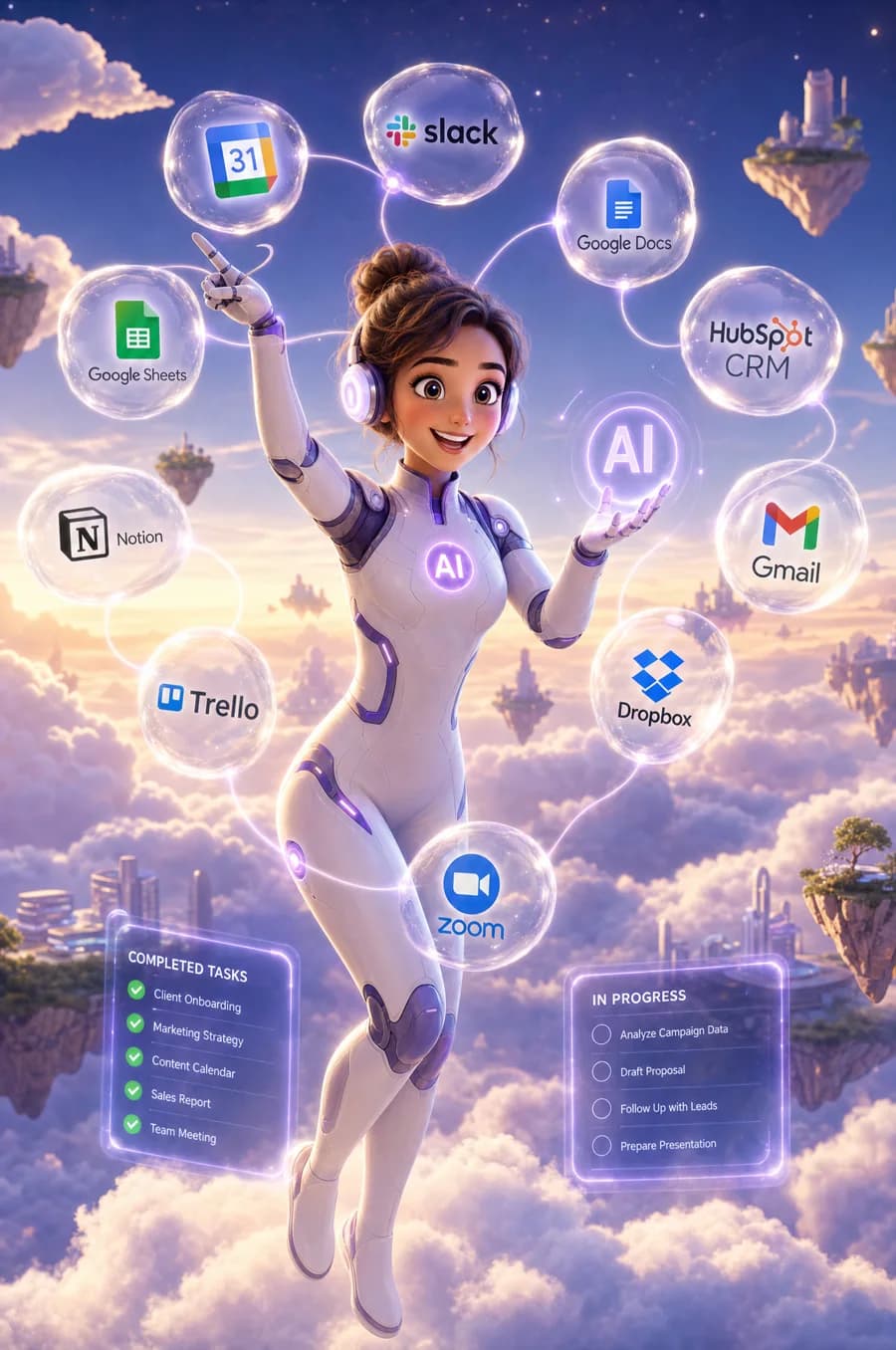
An AI coworker beside your team, connected to your business apps and tools. It sees your screen only when you enable it, remembers and grows with your business, and works where you work.

Connect the CRM, email, calendar, calling, payments, and workflows that run your business.

Your AI coworker proactively works around the clock, remembers every task and follow-up, and works where your team works.

Your AI coworker lives where you work and sees your screen only when you enable it.

Built around real work
Configure the role, knowledge, tools, and escalation path for the outcome your team needs.
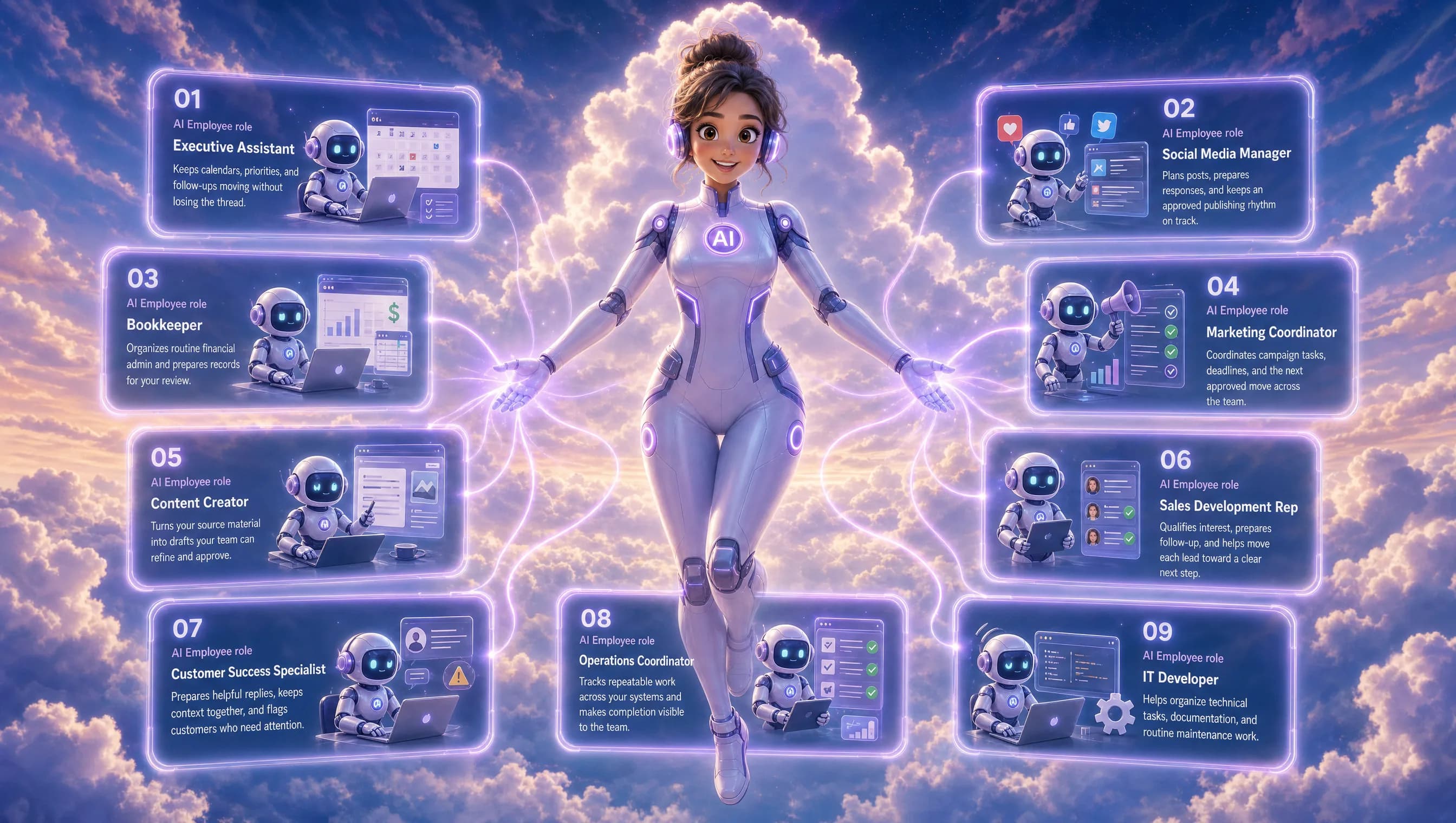
Keeps calendars, priorities, and follow-ups moving without losing the thread.
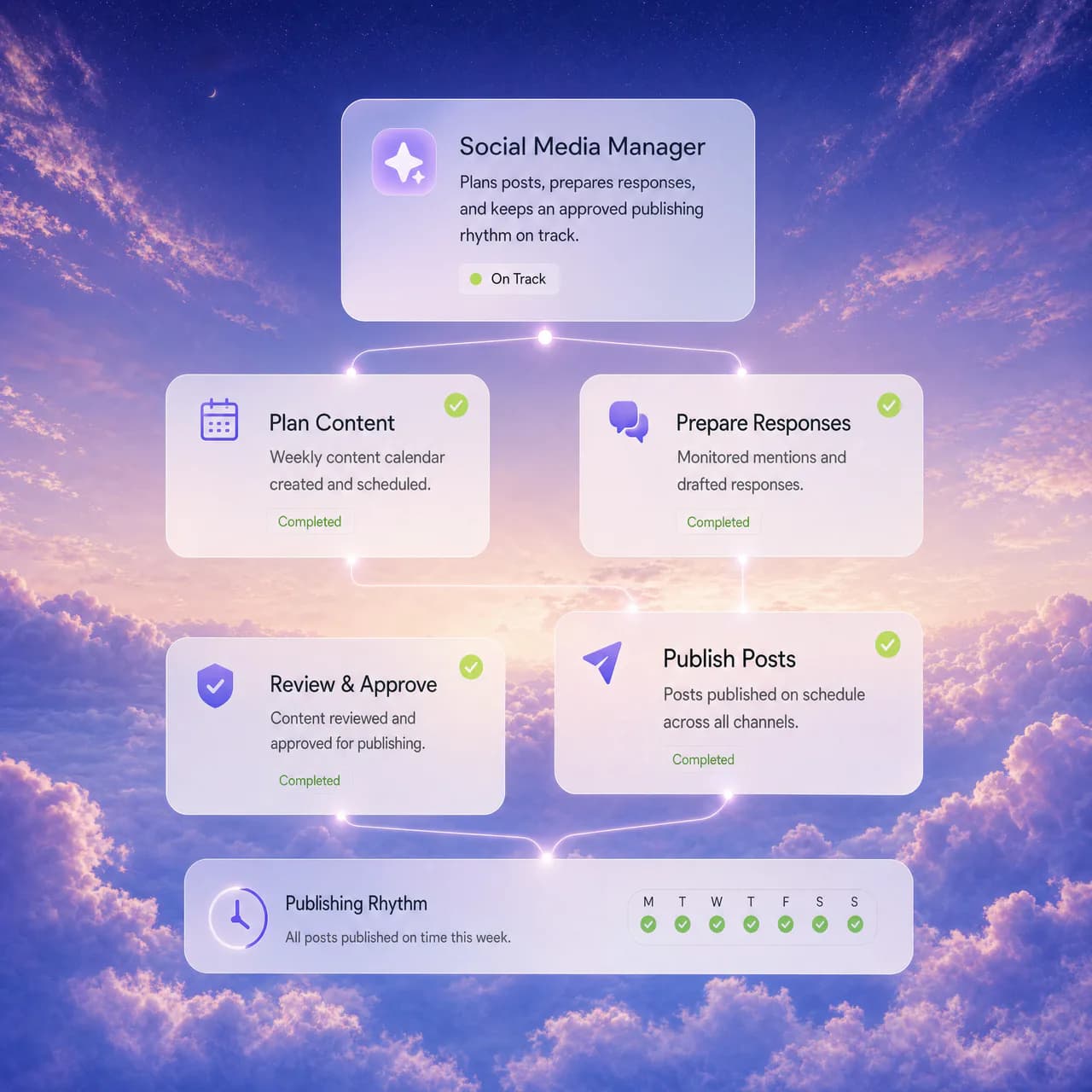
Plans posts, prepares responses, and keeps an approved publishing rhythm on track.
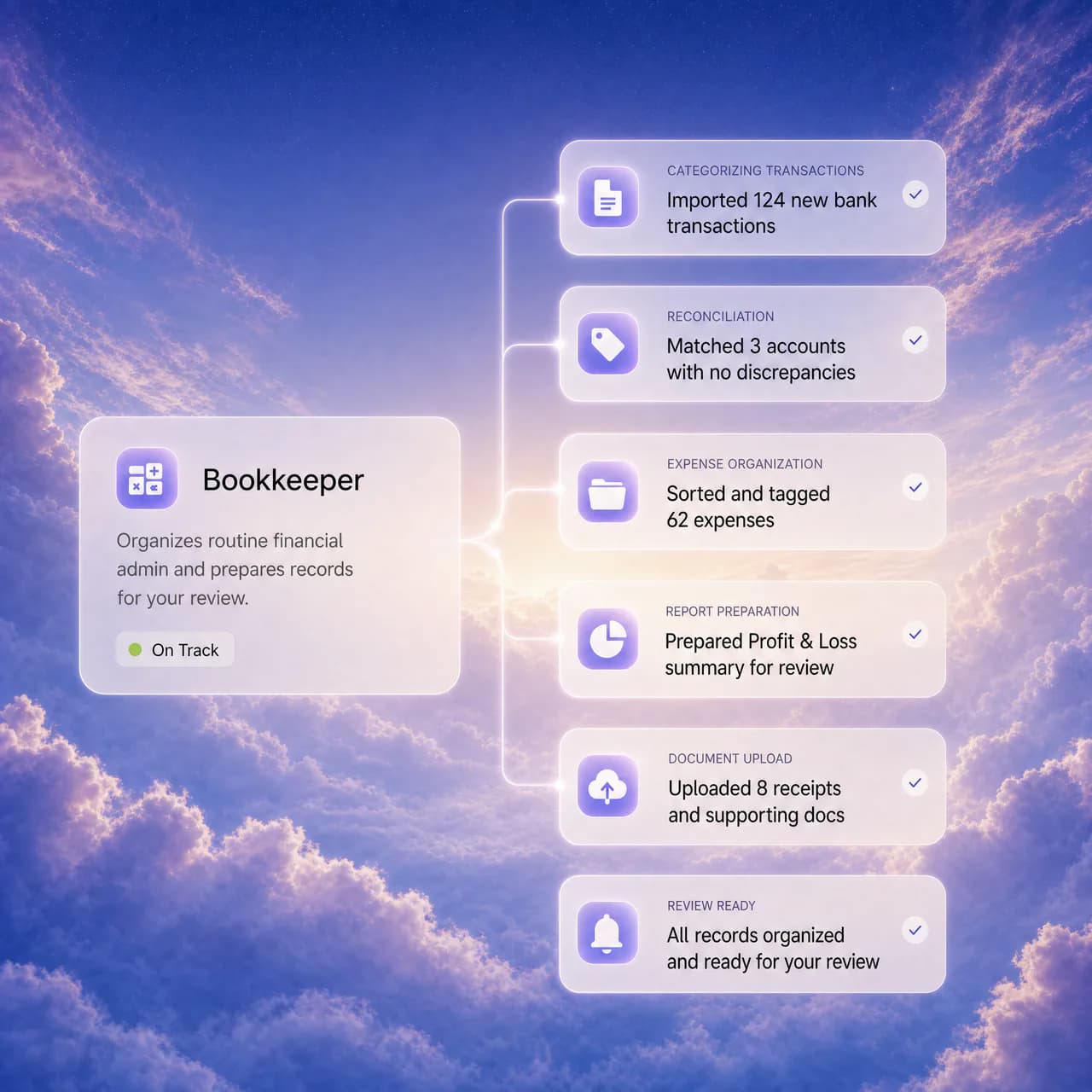
Organizes routine financial admin and prepares records for your review.
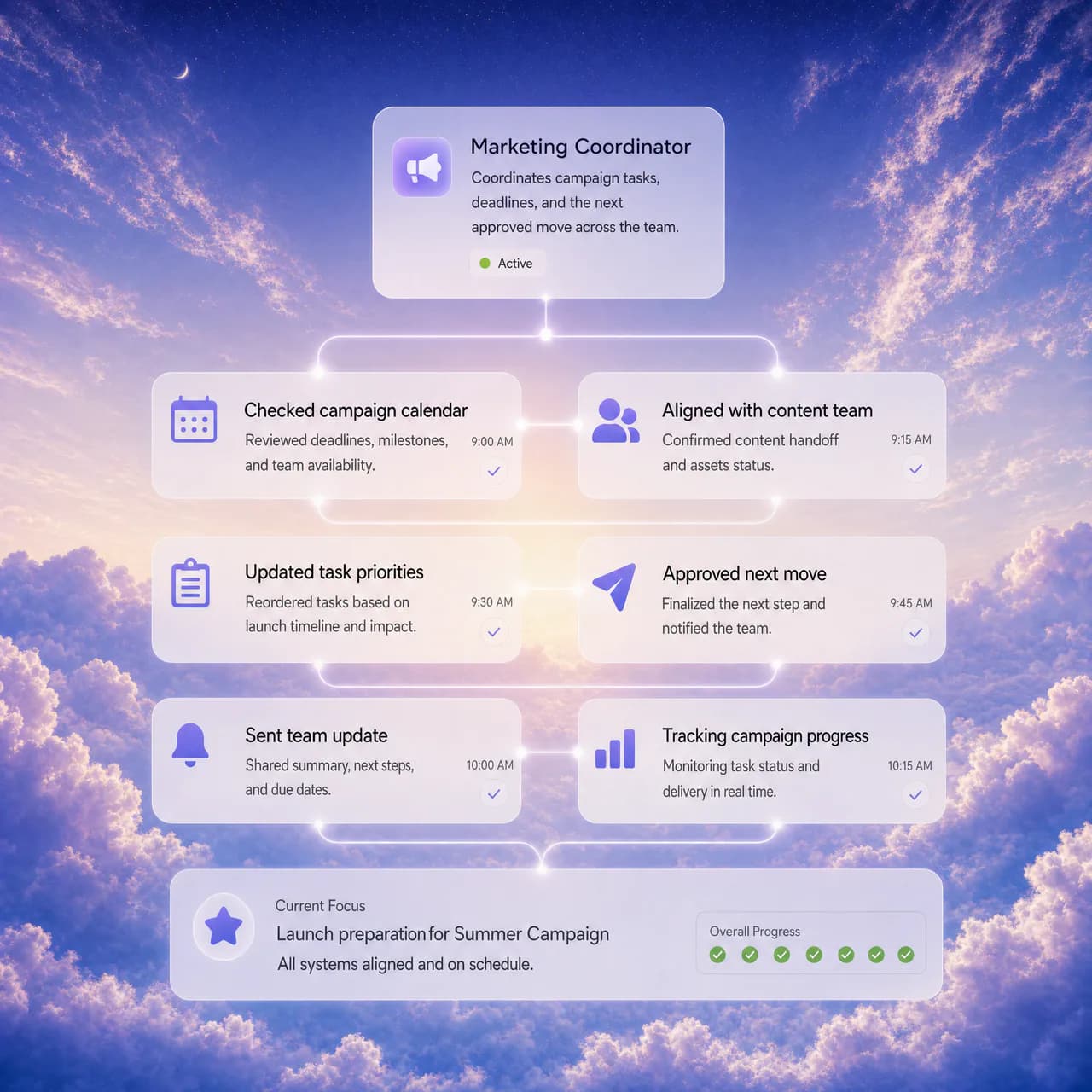
Coordinates campaign tasks, deadlines, and the next approved move across the team.
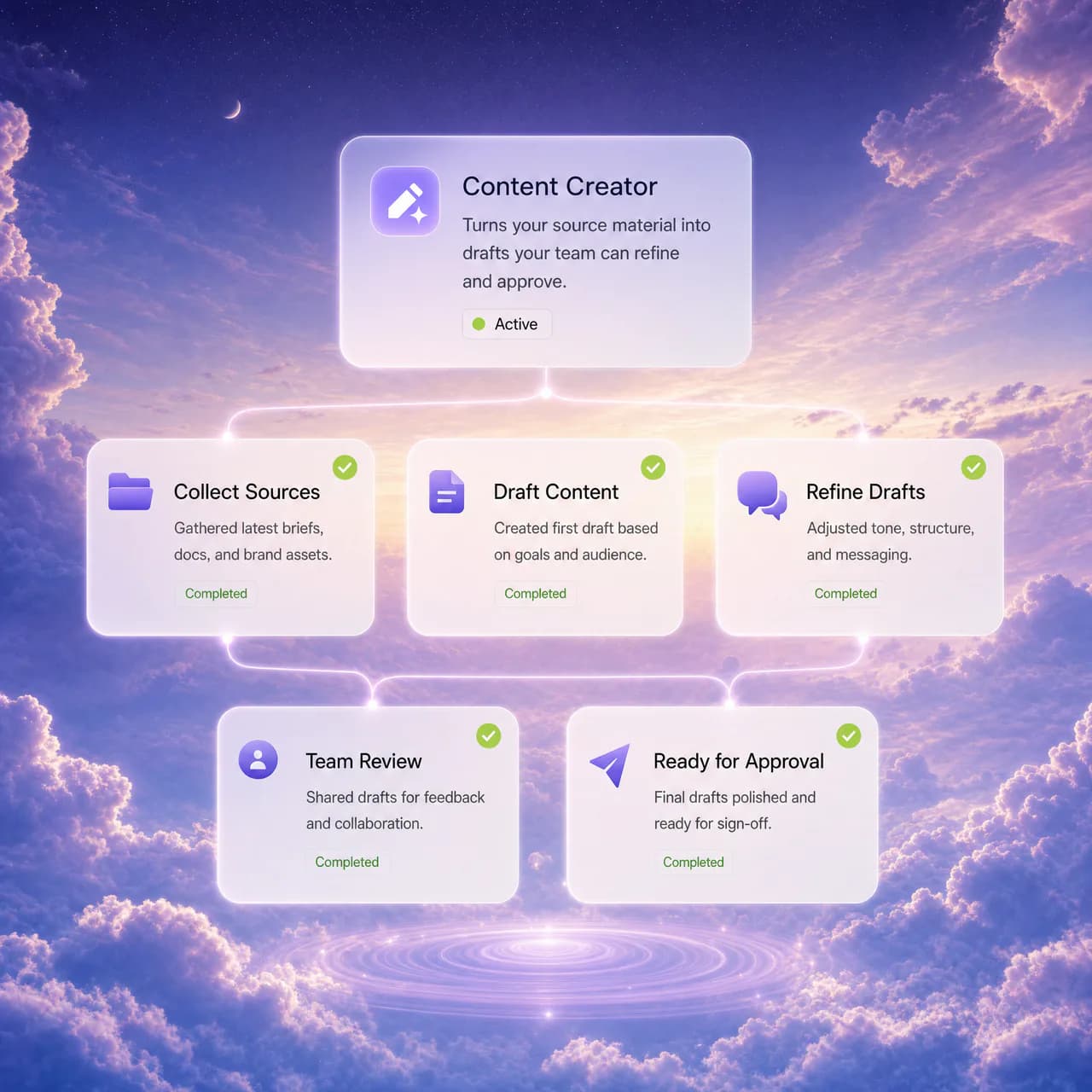
Turns your source material into drafts your team can refine and approve.
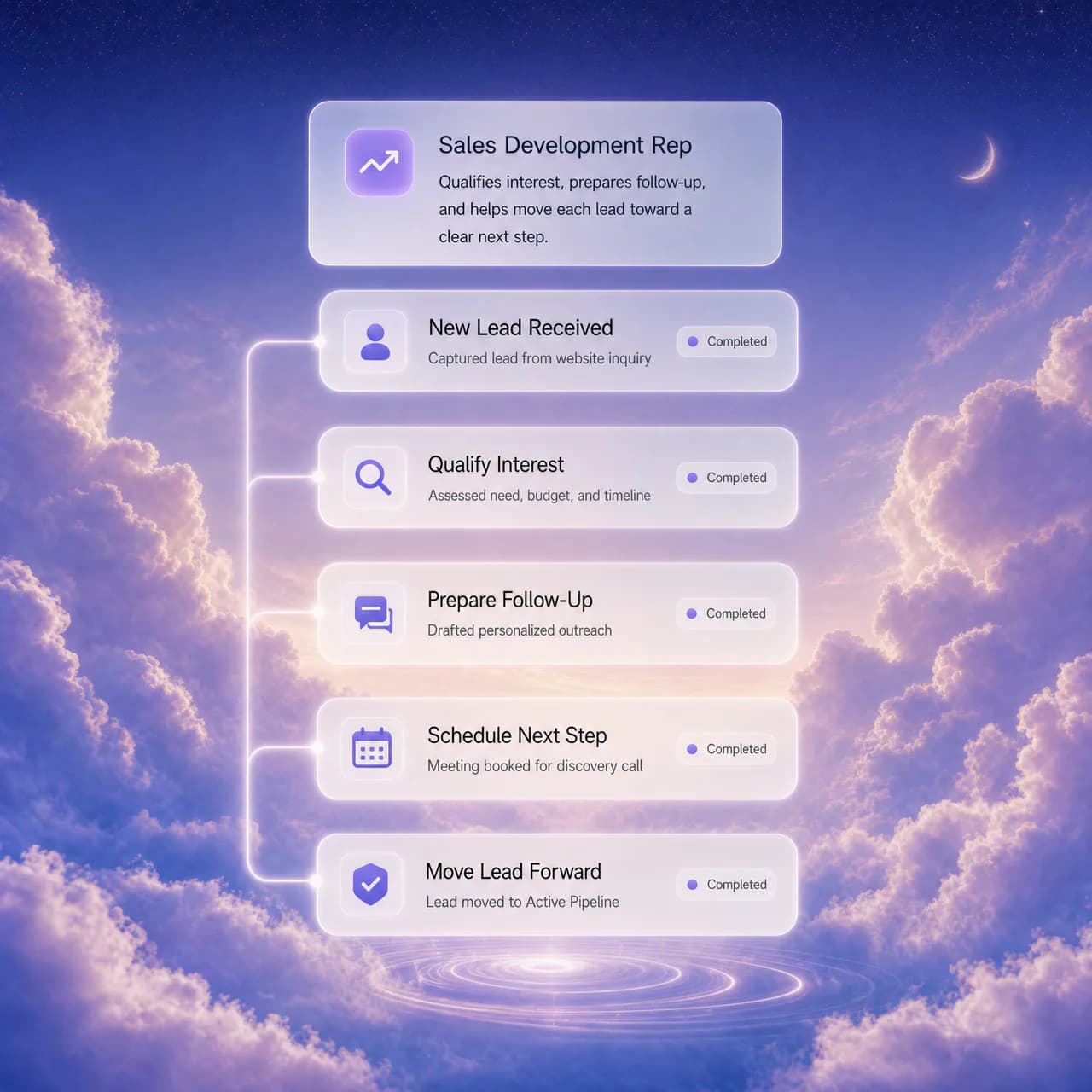
Qualifies interest, prepares follow-up, and helps move each lead toward a clear next step.
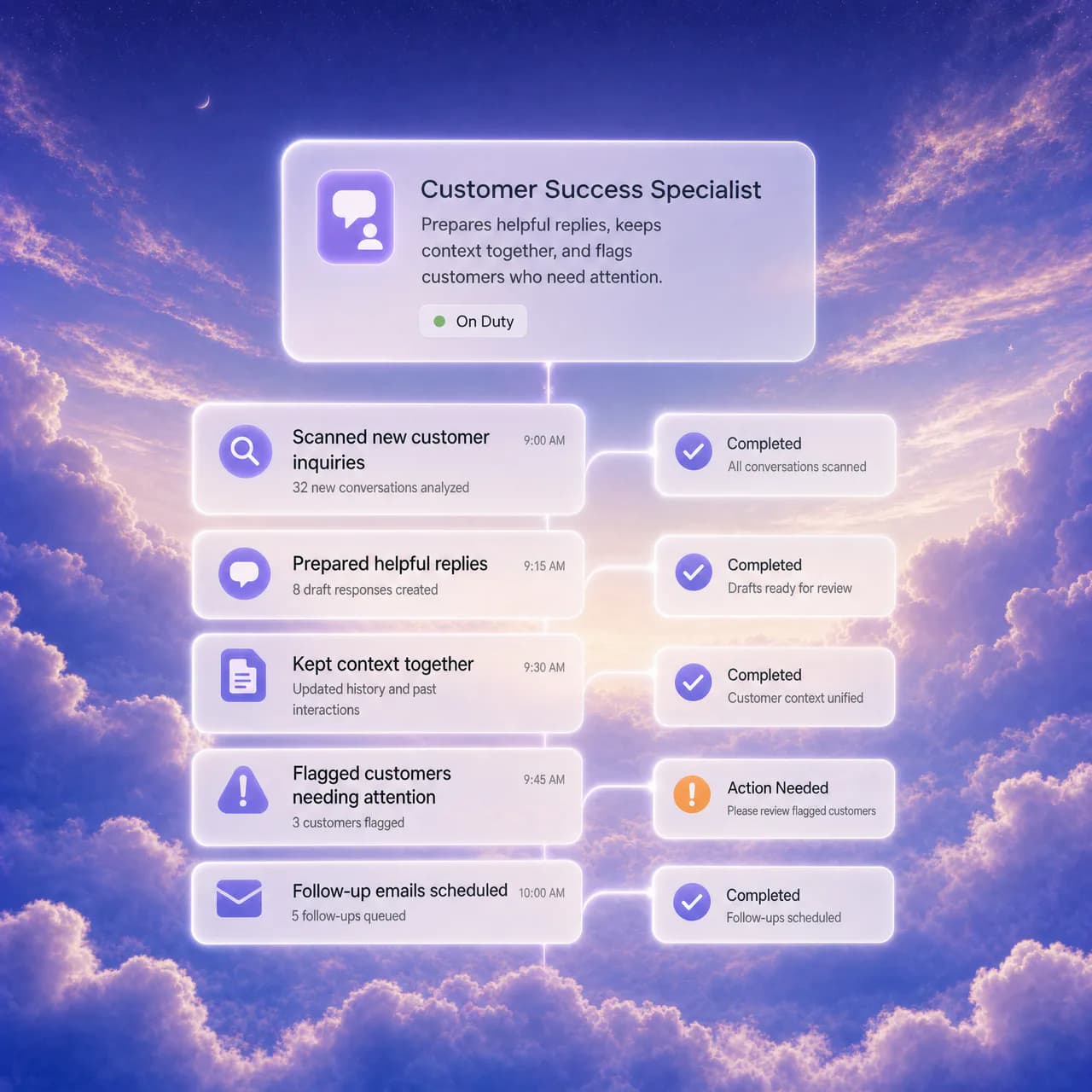
Prepares helpful replies, keeps context together, and flags customers who need attention.
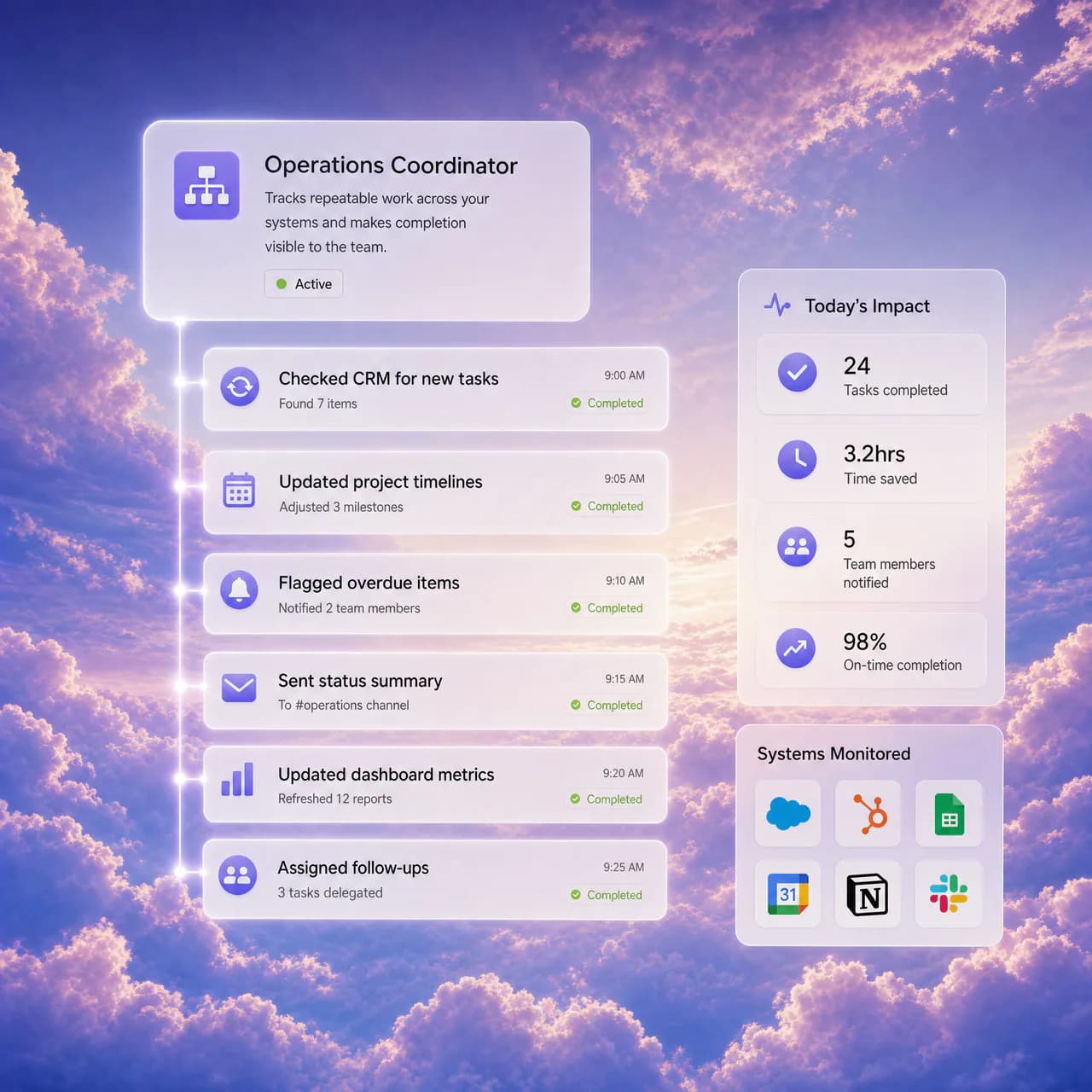
Tracks repeatable work across your systems and makes completion visible to the team.
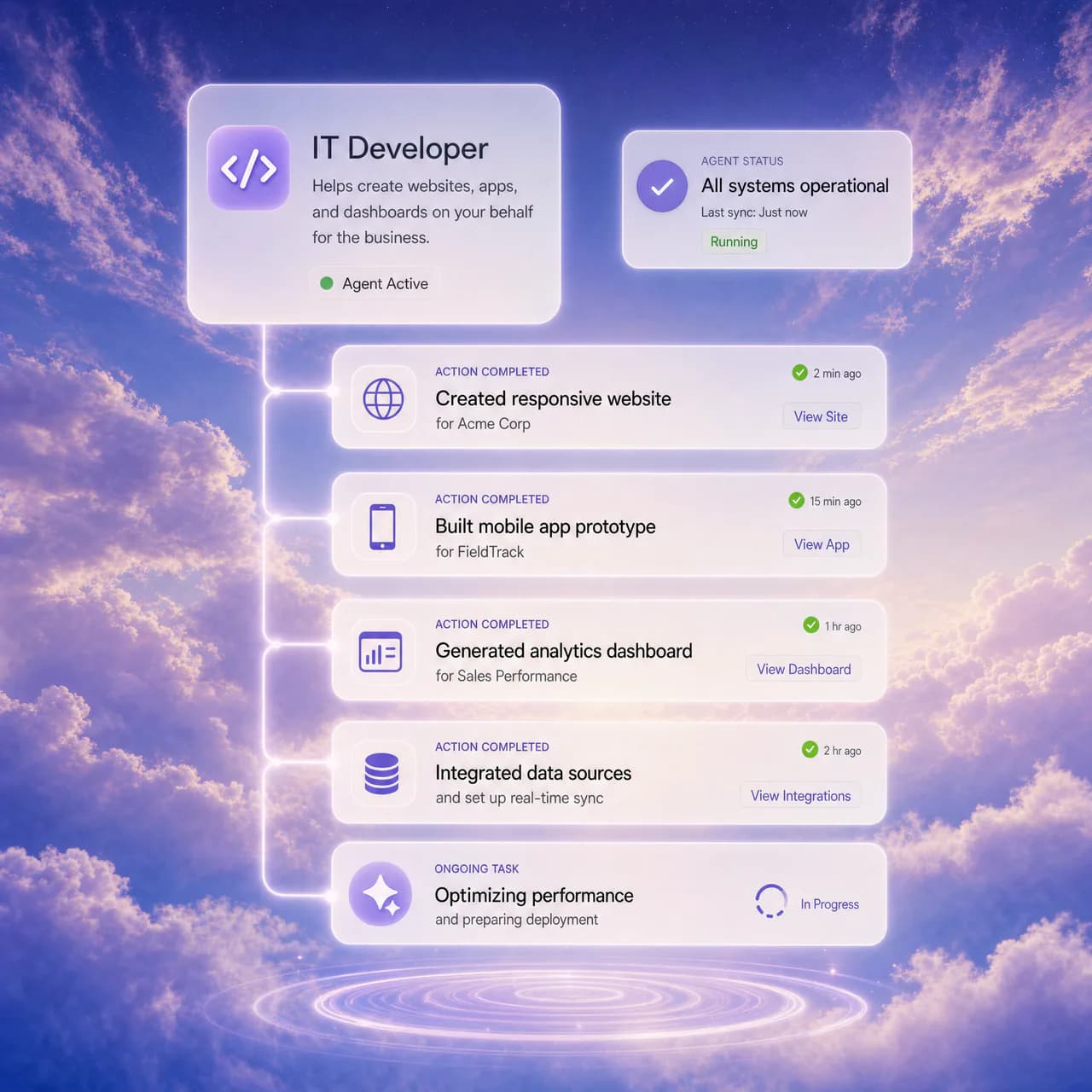
Helps organize technical tasks, documentation, and routine maintenance work.
A clear path to launch
Initial configuration is fast; a production rollout stays deliberate, testable, and under your control.

Choose a role and add instructions, documents, FAQs, and website knowledge.

Add CRM, calendars, communications, and approved integrations for the work it should perform.

Launch on web and phone surfaces, then review conversations and outcomes as you refine the role.
Advanced setup
Decide who it serves, where it works, and how it sounds, looks, sees, and acts across your business.










Choose the face that fits your brand, then pair it with your voice, business knowledge, and connected tools.

Connected by design
Connect conversations to the inboxes, CRM, scheduling, payments, and files your team already uses.
 Gmail
Gmail HubSpot
 Slack
Slack Google Calendar
 Stripe
 Google Drive
Conversations, knowledge, connected tools, and approved actions live in one accountable workspace—so your team can see the context and the outcome.
A short product demonstration of the AI Employee conversations workspace, including voice, chat, and video interactions in a continuous customer history.
ConversationsYour AI Employee stays ahead of every customer conversation—reading messages, drafting and sending replies within your guidance, and notifying you when your attention is needed.
Outcomes worth planning for
Start with a role, connect the right tools, and give people a clearer view of what needs attention next.
Planning target
Define the routine work an AI Employee should prepare or complete with approval, then measure where your team gets time back.


Social media manager
Prepare posts, coordinate basic approved tasks, and leave the final call with your team.

Inbox management
Keep the conversation context together and surface the messages that need a person next.

Revenue visibility
Bring the numbers into the work your team reviews, then spot the follow-up worth acting on.
Pricing
Your AI Employee for $99 a month, with no setup fee. You pay for the minutes it spends talking with your customers, at the rates below.
For your business
One AI Employee for your business.
Billed monthly, or $999/year
No setup fee
$10 usage credit to start
Everything included
What a minute costs
Minutes come out of a prepaid credit balance, and an avatar adds its rate on top of the voice rate. Calling runs through your own Twilio account, which bills phone numbers and carrier minutes directly.
Run an agency? Sell AI Employees to every client you serve. See agency plans
Questions, answered
Need help with a specific rollout? Talk to the team about your role, systems, and workflow.
It is a configurable AI role that can talk with customers, use approved business knowledge, and complete connected tasks under the controls you define.
Available surfaces depend on your plan and configuration, including website chat, voice calls, and video-avatar experiences.
AI Employee supports connected CRM, scheduling, communications, telephony, and payment workflows. Exact setup depends on the integration and permissions you enable.
You provide instructions, documents, FAQs, website knowledge, and connected system context. You remain responsible for reviewing the information and workflows it can use.
It is designed to extend response coverage and execute repeatable work with human oversight. Your team defines its role, permissions, escalation points, and final accountability.
A basic role can be configured quickly. A complete rollout may include knowledge review, integration setup, workflow testing, and team acceptance before production use.